1st Period Graphic Design Assignments
- Instructor
- Mr. Brian Johnson
- Term
- School Year 2020-2021
- Department
- Visual & Performing Arts
Upcoming Assignments

No upcoming assignments.
Past Assignments
Due:

FINAL
For the final, you will be choosing any TWO previously assigned projects from SECOND SEMESTER ONLY that you want to redo. NEW PROJECTS.....not simply finishing and old one.
Once they are complete you will upload as JPEGS to the assignment folder. They are due next Friday, June 11.
You must complete TWO. They will be worth 4 points TOTAL, so if you only complete one, you will not receive any credit.
Once they are complete you will upload as JPEGS to the assignment folder. They are due next Friday, June 11.
You must complete TWO. They will be worth 4 points TOTAL, so if you only complete one, you will not receive any credit.
Due:
Weekly Homework
Weekly Homework
Due:
Weekly Homework
Weekly Homework
Due:
Planner Cover Design
Every year the students in the graphic design classes are the ones who
design the planners that are used the following school year. Once the
planner project is complete, the VHS administration chooses the planner
cover that will be used.
The file size is 8.75 X 11.25 Portrait - 300 Resolution.
Photoshop, Illustrator or Pixlr can be used.
You should be able to create at least 4 planner cover designs.
Use a bleed zone of 1/8 Inch for cut off. (Template Attached). Will be explained in class.
I have attached logos for use as well.
Also there will be a safe zone for all text in the same template.
Background imagery, background patterns etc. can go to edge and beyond.
Planner cover must visually include:
2021-2022
Valencia High School or VHS
School mascot logo (attached as PDF)
Words: "pride - tradition - excellence" somewhere on the cover design.
Any theme that recognizes us as returning and coming back together would be great!
Previous years planner covers will be attached for reference.
design the planners that are used the following school year. Once the
planner project is complete, the VHS administration chooses the planner
cover that will be used.
The file size is 8.75 X 11.25 Portrait - 300 Resolution.
Photoshop, Illustrator or Pixlr can be used.
You should be able to create at least 4 planner cover designs.
Use a bleed zone of 1/8 Inch for cut off. (Template Attached). Will be explained in class.
I have attached logos for use as well.
Also there will be a safe zone for all text in the same template.
Background imagery, background patterns etc. can go to edge and beyond.
Planner cover must visually include:
2021-2022
Valencia High School or VHS
School mascot logo (attached as PDF)
Words: "pride - tradition - excellence" somewhere on the cover design.
Any theme that recognizes us as returning and coming back together would be great!
Previous years planner covers will be attached for reference.
Due:
Weekly Homework
Weekly Homework
Due:
Weekly Homework
Weekly Homework
Due:
Vector Portrait 2.0
As in the previous Vector Portrait, you will use Adobe Illustrator to create a vector
based Portrait. For those using pixlr, you will use the bezier tool.
***The goal is to create shapes, not gradient blends.***
The portrait can be any face you want. You may even choose to do an animal portrait.
The goal is to focus on the head/face areas and to incorporate a background as well.
Video of process attached for your reference.
Also, links to various versions of vector portraits for inspiration is attached.
based Portrait. For those using pixlr, you will use the bezier tool.
***The goal is to create shapes, not gradient blends.***
The portrait can be any face you want. You may even choose to do an animal portrait.
The goal is to focus on the head/face areas and to incorporate a background as well.
Video of process attached for your reference.
Also, links to various versions of vector portraits for inspiration is attached.
Due:
weekly homework
weekly homework
Due:
weekly homework
weekly homework
Due:
Typography 2.0
This is your second attempt at making a typography project.
Just as before, you will be placing the text over an image, then adjusting the text to fit over the image using tools such as the warping tool.
Make sure the spaces between the lines of text are close together but not touching. The space between the words should be tight as well but not touching.
NOTE** This should be a completely different version form the first typography project.
Use a different character or person from the previous typography project.
Just as before, you will be placing the text over an image, then adjusting the text to fit over the image using tools such as the warping tool.
Make sure the spaces between the lines of text are close together but not touching. The space between the words should be tight as well but not touching.
NOTE** This should be a completely different version form the first typography project.
Use a different character or person from the previous typography project.
Due:
Weekly Homework
Weekly Homework
Due:
Weekly Homework
Weekly Homework
Due:
Zentangle Mandala in Adobe Illustrator
You will be creating a Zentangle mandala in Adobe Illustrator. You
will learn about the visual impact of patterns and symmetrical design in
this assignment. Using the polygon tool, line tool, shape tool,
patterns and specific color combinations, you will be making a radial
design that contains whatever creation you can imagine. Examples of one
way to do the process are in the link below. We will go over all of the
steps on how to create this mandala in class as well (some steps may
differ from example steps).
Make sure to have a solid plan and sketch out ideas so that you
mandala has meaning (symbols, specific color combos etc). You want to
create imagery in the design rather than just random lines. Color
schemes and color theory will definitely have a major part in the final
grade of the project.
Finished student examples attached
http://www.annenbergdl.org/tutorials/how-to-easily-create-mandalas-in-adobe-illustrator/
will learn about the visual impact of patterns and symmetrical design in
this assignment. Using the polygon tool, line tool, shape tool,
patterns and specific color combinations, you will be making a radial
design that contains whatever creation you can imagine. Examples of one
way to do the process are in the link below. We will go over all of the
steps on how to create this mandala in class as well (some steps may
differ from example steps).
Make sure to have a solid plan and sketch out ideas so that you
mandala has meaning (symbols, specific color combos etc). You want to
create imagery in the design rather than just random lines. Color
schemes and color theory will definitely have a major part in the final
grade of the project.
Finished student examples attached
http://www.annenbergdl.org/tutorials/how-to-easily-create-mandalas-in-adobe-illustrator/
Due:
Weekly Homework
Weekly Homework
Due:
Weekly Homework
Weekly Homework
Due:
Polygon Portraits
The assignment is to create a polygon or low poly portrait. You can use yourself, celebrity or someone you know as the subject matter. You can even chose to use an animal as the subject matter.
There will be a demonstration in class of the process.
You are encouraged to research the process online as well. You have the option of using Adobe Illustrator, PhotoShop or Pixlr to complete the process.
Links below are a good start to researching and seeing the process:
There will be a demonstration in class of the process.
You are encouraged to research the process online as well. You have the option of using Adobe Illustrator, PhotoShop or Pixlr to complete the process.
Links below are a good start to researching and seeing the process:
Due:
Weekly Homework
Place image of inspiration here
Due:
Weekly Homework
Upload a picture of inspiration for the week.
Due:
Cover Poster Art 2
In this second version of the cover art assignment, you are to Create 1-2 original cover art designs. These can be TV show posters, book covers, game covers or whatever type of cover art you want.
This can also include animation or cartoon characters. IF you choose to do an animation or cartoon style cover, you must draw the elements. (Not copy and paste.)
You will be using Adobe Photoshop (Pixlr) mainly. Illustrator may be used as well.
As always, research movie posters on google images and other sites to gain a perspective of the over all feel of what you want the poster to took like and represent. You can redo existing posters and designs, or create new concepts and titles.
It may be a good idea to sketch the concept out first if you are creating original poster art and concepts.
Tech Guidelines:
11 x 14 Inches Portrait format.
300 DPI
Save as JPEG to Turn in.
NOTE: THESE ARE NOT THE SAME POSTERS OR ART FROM THE LAST PROJECT. DO SOMETHING DIFFERENT FROM BEFORE.
Please follow school guidelines on violence and appropriate material in the poster or cover art.
This can also include animation or cartoon characters. IF you choose to do an animation or cartoon style cover, you must draw the elements. (Not copy and paste.)
You will be using Adobe Photoshop (Pixlr) mainly. Illustrator may be used as well.
As always, research movie posters on google images and other sites to gain a perspective of the over all feel of what you want the poster to took like and represent. You can redo existing posters and designs, or create new concepts and titles.
It may be a good idea to sketch the concept out first if you are creating original poster art and concepts.
Tech Guidelines:
11 x 14 Inches Portrait format.
300 DPI
Save as JPEG to Turn in.
NOTE: THESE ARE NOT THE SAME POSTERS OR ART FROM THE LAST PROJECT. DO SOMETHING DIFFERENT FROM BEFORE.
Please follow school guidelines on violence and appropriate material in the poster or cover art.
Due:
Weekly Homework
Upload and inspirational piece for the week
Due:
Weekly Homework
Inspirational piece for the week.
Due:
Digital Painting 2
Digital Painting 2
In this assignment you will be be creating a second digital painting. You should be able to have more advanced techniques implemented now.
Please remember to keep in mind that the following elements should be considered carefully when creating your piece:
Gradients
Textures
A good strong light source
Perspective
Depth
Photoshop, Illustrator or Pixlr can be used.
Some inspirational references are here:
http://www.goodbrush.com/
In this assignment you will be be creating a second digital painting. You should be able to have more advanced techniques implemented now.
Please remember to keep in mind that the following elements should be considered carefully when creating your piece:
Gradients
Textures
A good strong light source
Perspective
Depth
Photoshop, Illustrator or Pixlr can be used.
Some inspirational references are here:
http://www.goodbrush.com/
Due:
Weekly Homework
Weekly Homework
Due:
Weekly Homework
Place an image of inspiration for the week.
Due:
OP ART
Op Art
In this lesson, you will be using Adobe Illustrator and / or Photoshop / PIXLR to create an original piece of art that creates an optical illusion. Using the shape tool, line segment tool, width tool and others, you will create depth, form and illusion in spaces with in the picture plane.
You will make three separate art boards or file with one OP ART piece on each.
8 X 10 standard format is fine. You can even experiment with different formats if you wish.
Examples of OP Art can be found here:
https://www.google.com/search?q=op+art&safe=strict&source=lnms&tbm=isch&sa=X&ved=0ahUKEwjtxMikmbzXAhWnslQKHVmGBwEQ_AUICigB&biw=1680&bih=922
A demonstration and use of op art, and the basic techniques we will be using will be given in class.
In this lesson, you will be using Adobe Illustrator and / or Photoshop / PIXLR to create an original piece of art that creates an optical illusion. Using the shape tool, line segment tool, width tool and others, you will create depth, form and illusion in spaces with in the picture plane.
You will make three separate art boards or file with one OP ART piece on each.
8 X 10 standard format is fine. You can even experiment with different formats if you wish.
Examples of OP Art can be found here:
https://www.google.com/search?q=op+art&safe=strict&source=lnms&tbm=isch&sa=X&ved=0ahUKEwjtxMikmbzXAhWnslQKHVmGBwEQ_AUICigB&biw=1680&bih=922
A demonstration and use of op art, and the basic techniques we will be using will be given in class.
Due:
Weekly Homework
Place an image of inspiration for the week.
Due:
Weekly Homework
Place an image of inspiration for the week.
Due:
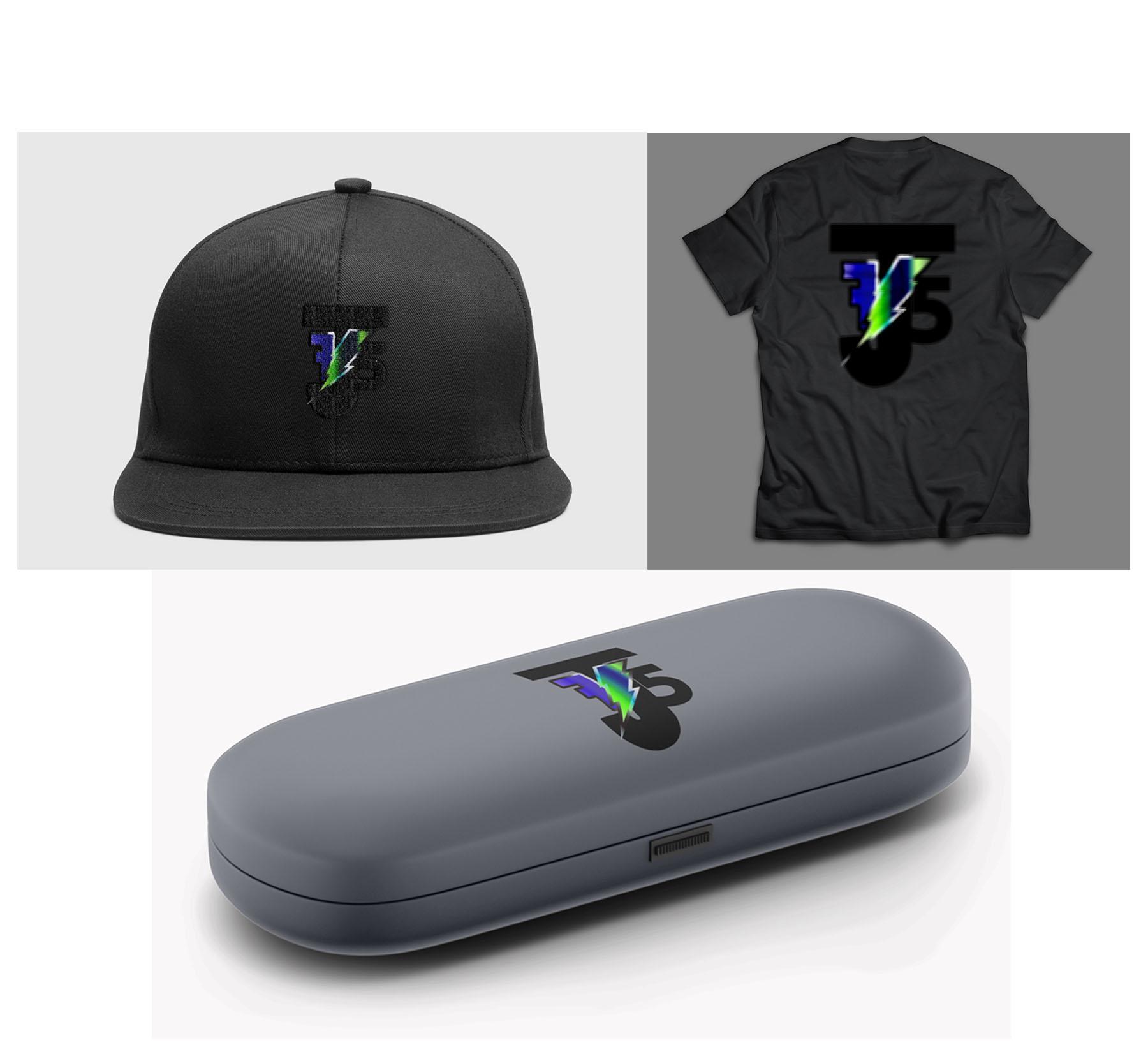
Product / Logo Design / Branding
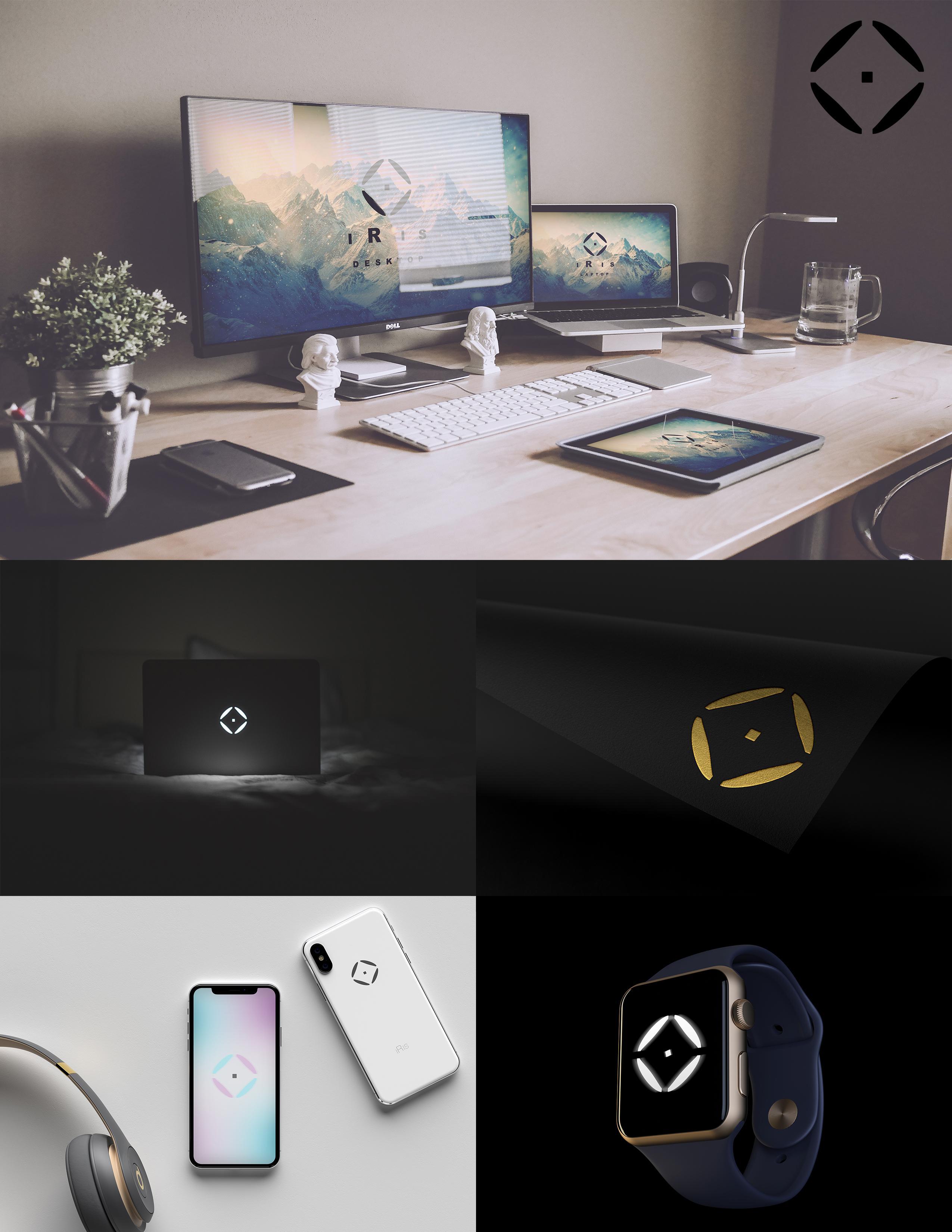
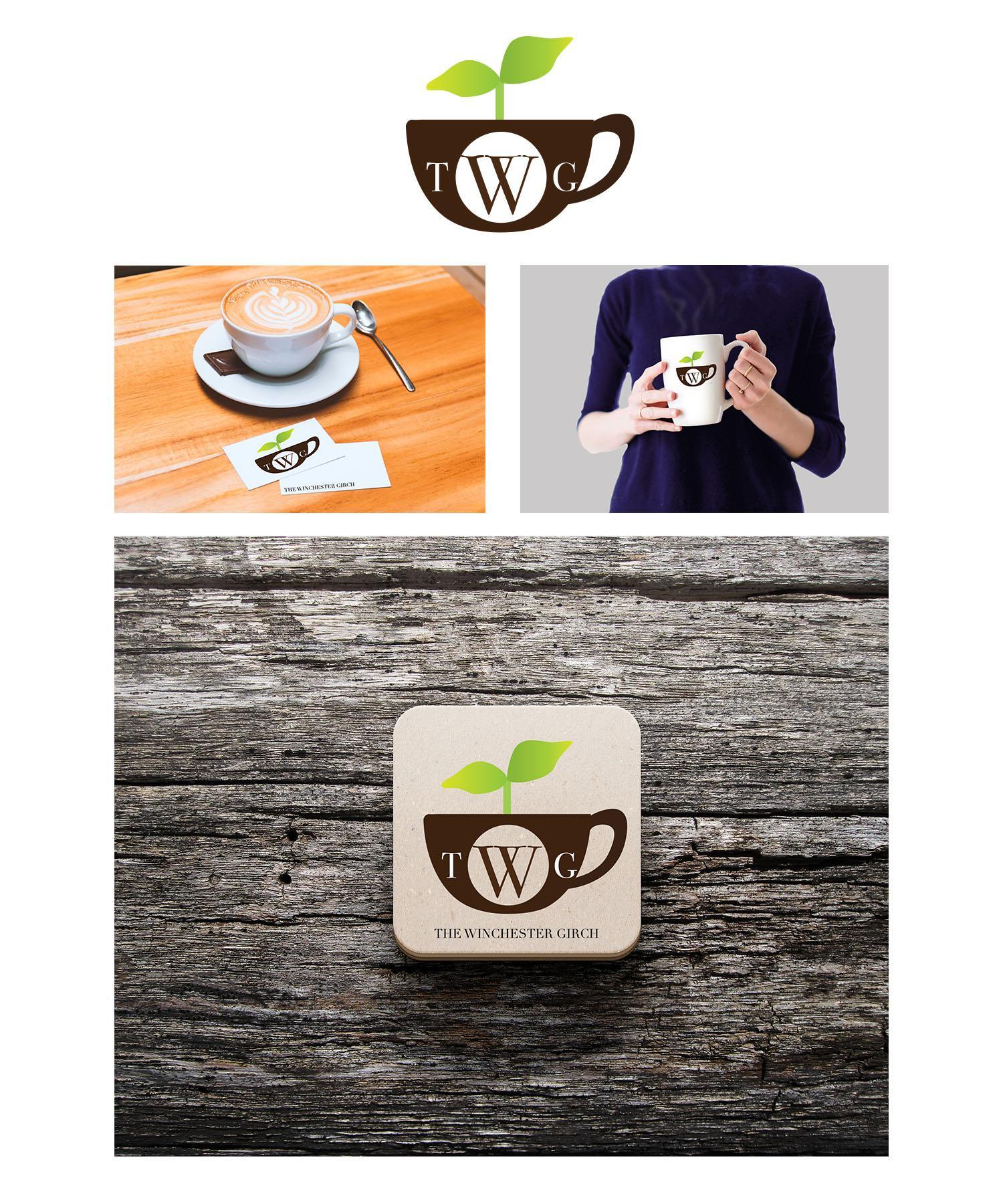
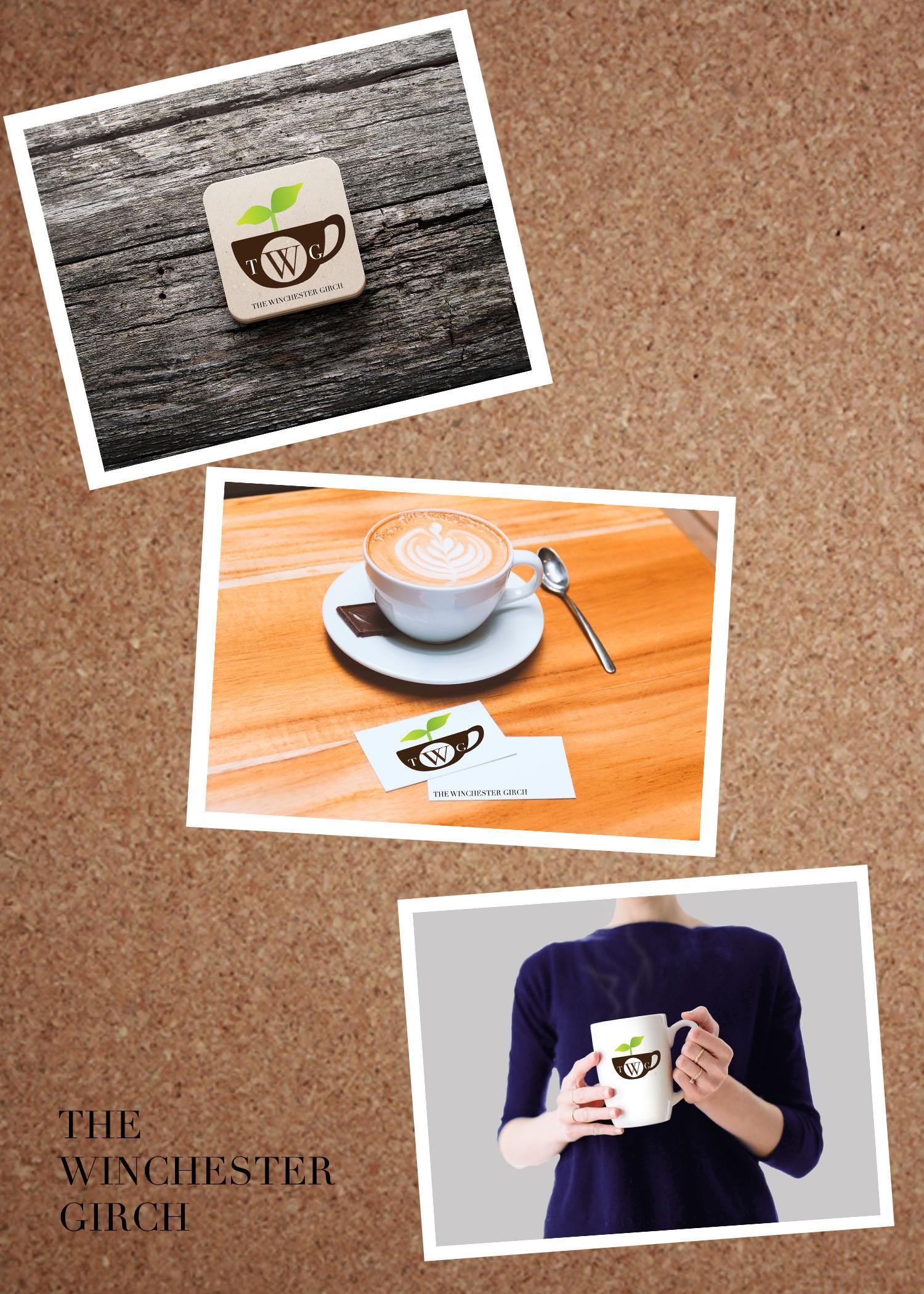
Introduction to product design mock ups In this assignment you will be placing your previously created logos on products as mock ups. You will then create 3 separate product pages that combine the mock ups. Each page should have 3-4 different products and your logo on each page. You will group like products on each of the pages. The goal is to make the logos looks as real as possible on the products you choose. Examples for product pages: Sports products Action sports Health products See file attachments and links for blank templates for mock-ups for your logo design. Make sure to use a variety of templates that best suits the needs of your logo design. You will need to spend time figuring out what products you will want to use and how to group them. I will show you the process of crating the page, centering, aligning and final page layout to be turned in for all pages.
Due:
Weekly Homework
Upload a photo or a file that is inspiration for your art.
Due:
Weekly Homework
Upload a photo or a file that is inspiration for your art.
Due:
Movie Poster
Create 1-2 original movie posters or TV show Posters with you or someone you know as the main character(s).
You will be using Adobe Photoshop (Pixlr) mainly. Illustrator may be used as well.
Research movie posters on google images and other sites to gain a perspective of the over all feel of what you want the poster to took like and represent. You can redo existing movie posters and designs, or create new movie concepts and titles.
Note: Make sure you take several pictures of yourself and any other characters you want in the poster design.
It may be a good idea to sketch the concept out first if you are creating original poster art and concepts.
Guidelines:
11 x 14 Inches Portrait format.
All original photos of yourself and others
DO NOT use scenes or backgrounds form original posters.
You need to recreate all of the effects that are in the original poster from scratch. (This means the poster you create may not be an exact match to the original poster).
Examples are attached and will be shown in class.
Font Finder
https://www.myfonts.com/WhatTheFont
You will be using Adobe Photoshop (Pixlr) mainly. Illustrator may be used as well.
Research movie posters on google images and other sites to gain a perspective of the over all feel of what you want the poster to took like and represent. You can redo existing movie posters and designs, or create new movie concepts and titles.
Note: Make sure you take several pictures of yourself and any other characters you want in the poster design.
It may be a good idea to sketch the concept out first if you are creating original poster art and concepts.
Guidelines:
11 x 14 Inches Portrait format.
All original photos of yourself and others
DO NOT use scenes or backgrounds form original posters.
You need to recreate all of the effects that are in the original poster from scratch. (This means the poster you create may not be an exact match to the original poster).
Examples are attached and will be shown in class.
Font Finder
https://www.myfonts.com/WhatTheFont
Due:
Weekly Homework
Upload a photo or a file that is inspiration for your art.
Due:
Weekly Homework
Upload a photo or a file that is inspiration for your art.
Due:
Vector Portrait
In this lesson you will use Adobe Illustrator to create a vector based Portrait. For those using pixlr, you will use the bezier tool.
The portrait can be any face you want. You may even choose to do an animal portrait.
I will demonstrate the use of the pen in illustrator and polygonal bezier tool to create the different levels of values and hues to create depth.
The goal is to focus on the head/face areas and to incorporate a background as well.
Examples of finished projects are attached.
There are also some videos I will give links to of the process.
Due:
Weekly Homework
Upload a photo or a file that is inspiration for your art.
Due:
Weekly Homework
Upload image of inspiration for the week.
Due:
Logo Design Part 2
Please submit your final logo design(s) and and revisions here. Should be at least a few pages for the revisions.
Examples attached.
Also attach the final logo design in pyramid form.
Format for final logo chosen is as follows:
Large logo top row 2 in
Medium logo middle row 1 in
Small logo bottom row .5 in
All evenly spaced on the paper.
Example attached.
Examples attached.
Also attach the final logo design in pyramid form.
Format for final logo chosen is as follows:
Large logo top row 2 in
Medium logo middle row 1 in
Small logo bottom row .5 in
All evenly spaced on the paper.
Example attached.
Due:
Weekly Homework
Upload image of inspiration for the week.
Due:
Weekly Homework
Upload an image of inspiration for your logo design.
Due:
Personal Logo Design
Personal Logo Design Part 1
To create and develop a logo that represents you or a brand you would like to create. You will need to sketch several ideas (100) on blank computer paper and then finalize those ideas, then use pixlr to complete the process of this assignment.
We will go through the drawing process together and the tools you will need to complete this assignment. Make sure to refer to your hand drawn sketches and develop many versions of the logo before settling on the final version.
Final Logo Design Layout will be gone over in class.
A brief history into logo design is in the link below. I will also talk about the drawing process and you and show you sketches and previous students work as examples.
http://www.designhill.com/infographics/history-evolution-of-logos/
After drawings are complete, you will turn them into the google classroom.
Due:
Digital Painting
You are going to learn how to create a digital painting using pixlr. Demos on various ways to create paintings will be given in class.
Here are some links to various styles of digital paintings to look at for inspiration.
Sample painting ideas can be (but not limited to):
Landscape
Cosmic Sky
Planets
Portrait
Here are some links to various styles of digital paintings to look at for inspiration.
Sample painting ideas can be (but not limited to):
Landscape
Cosmic Sky
Planets
Portrait
Due:
Symmetry Design
In Pixlr, you will create an artwork that uses symmetrical design. Tools to use will include the shape tool, gradient, polygonal tool and more. Demonstration will be given in class on these tools and more.
Inspiration for the project and symmetry art can be found below.
PLEASE NOTE *** Links are for inspiration only, and not to copy the artists work or images.
Inspiration for the project and symmetry art can be found below.
PLEASE NOTE *** Links are for inspiration only, and not to copy the artists work or images.
Due:
Typography Portrait
Typography Portrait
In this assignment you will create an original piece of art using a portrait of your choice and typography skills.
Examples will be be shown and demos of the process will be given in class.
Finished projects are attached for reference to the style you may want to go for.
In this assignment you will create an original piece of art using a portrait of your choice and typography skills.
Examples will be be shown and demos of the process will be given in class.
Finished projects are attached for reference to the style you may want to go for.
Due:
Album Cover Design
Redesign 3 different album covers (or book covers) of your choice. Make sure they are different in terms of style, color scheme and content.
*** You are making a completely different design. Not redoing the same design. ***
Please DO NOT use any profanity or inappropriate material (will be gone over in class).
Here are some links and attachments to get you started on research and inspiration.
https://www.udiscovermusic.com/stories/iconic-album-cover-designers/
https://www.udiscovermusic.com/stories/the-100-greatest-album-covers/
Stock images for use:
https://stocksnap.io/
*** You are making a completely different design. Not redoing the same design. ***
Please DO NOT use any profanity or inappropriate material (will be gone over in class).
Here are some links and attachments to get you started on research and inspiration.
https://www.udiscovermusic.com/stories/iconic-album-cover-designers/
https://www.udiscovermusic.com/stories/the-100-greatest-album-covers/
Stock images for use:
https://stocksnap.io/
Due:
Text and Background
Create an image using text that is interacting with the background in some way. Use Blur, Reflection, smudge tool, and eraser if needed. Make sure to copy layers and rasterize if you need to.
Due:
Images, color and layers filters
Due:
Test Assignment
Upload image from photopea